Quick Start
Score your first match with the shortest reliable path through setup, lineup, scoring, and saving.
02Teams, Seasons, and Events
Build reusable rosters, organize a season, and group matches by tournaments or league events.
03Match and Lineup Setup
Choose match rules, enter opponents, set the rotation, and confirm the first server.
04Live Scoring
Use score-only taps when needed, or select players first for tracked stats, timeouts, score corrections, set transitions, and undo.
05Substitutions and Libero
Use smart sub suggestions, override ineligible players when correcting reality, and fix libero setup mistakes.
06Voice Input Premium
Speak rally actions, review parsed stats before committing, and get better results in a noisy gym.
07Fan Mode
Start a live broadcast, share the code, and help parents follow scores and activity from their phones.
08Stats, Summaries, and AI Premium
Review match data, generate recaps, and understand which stats matter most after the final point.
09Premium, Limits, and Ads
See what is free, what Premium unlocks, and where ads may appear for free users and spectators.
10Troubleshooting and FAQ
Fast answers for voice input, TestFlight, substitutions, Fan mode, privacy, and account questions.
11Coach Testing Packet
A focused beta test script, share link, known notes, and feedback prompts for coaches evaluating VolleyTrack.
12Screen Guide
Static screen examples showing setup, live scoring, voice input, Fan mode, substitutions, summaries, and Premium settings.
13Send Feedback
Share match notes, bugs, confusing moments, device details, and coach testing observations.
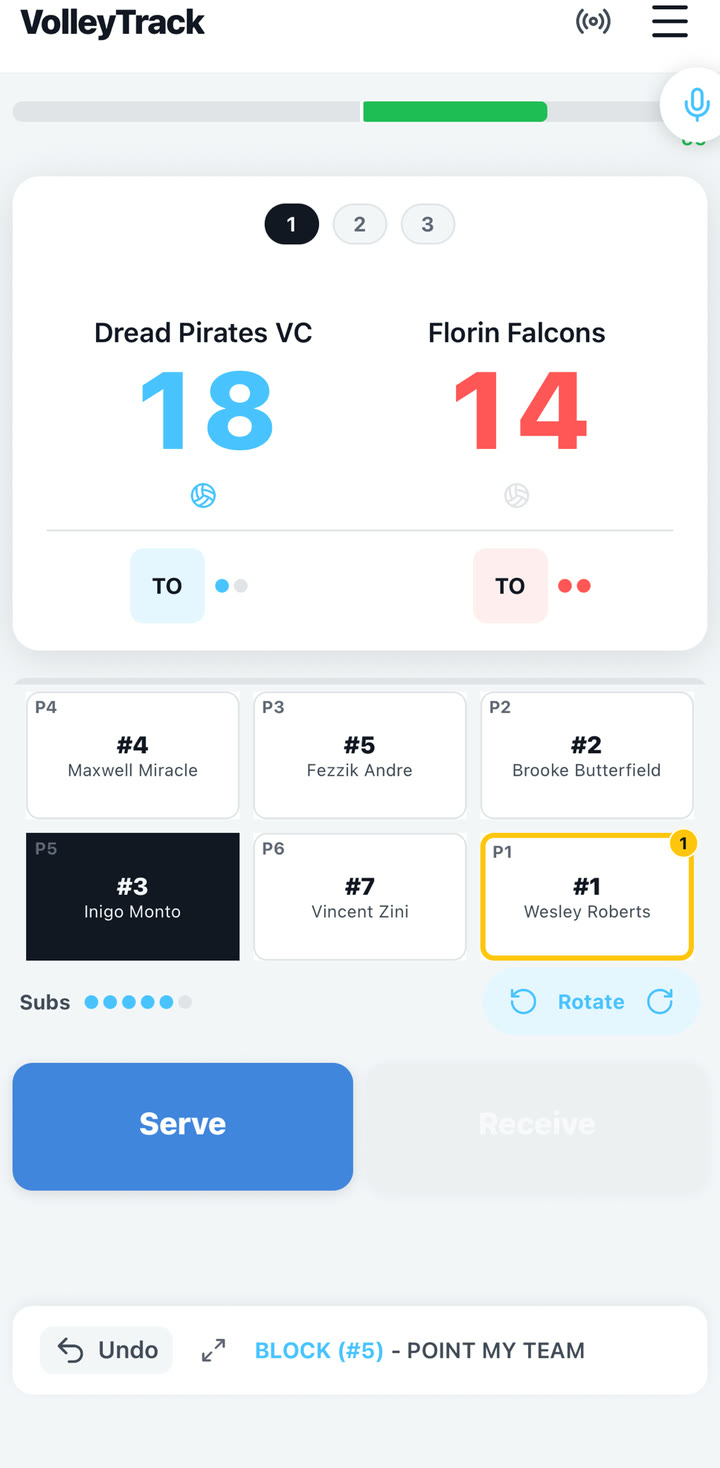 Score or track every rally
Live score, rotation, server, player selection, and stat controls.
Score or track every rally
Live score, rotation, server, player selection, and stat controls.
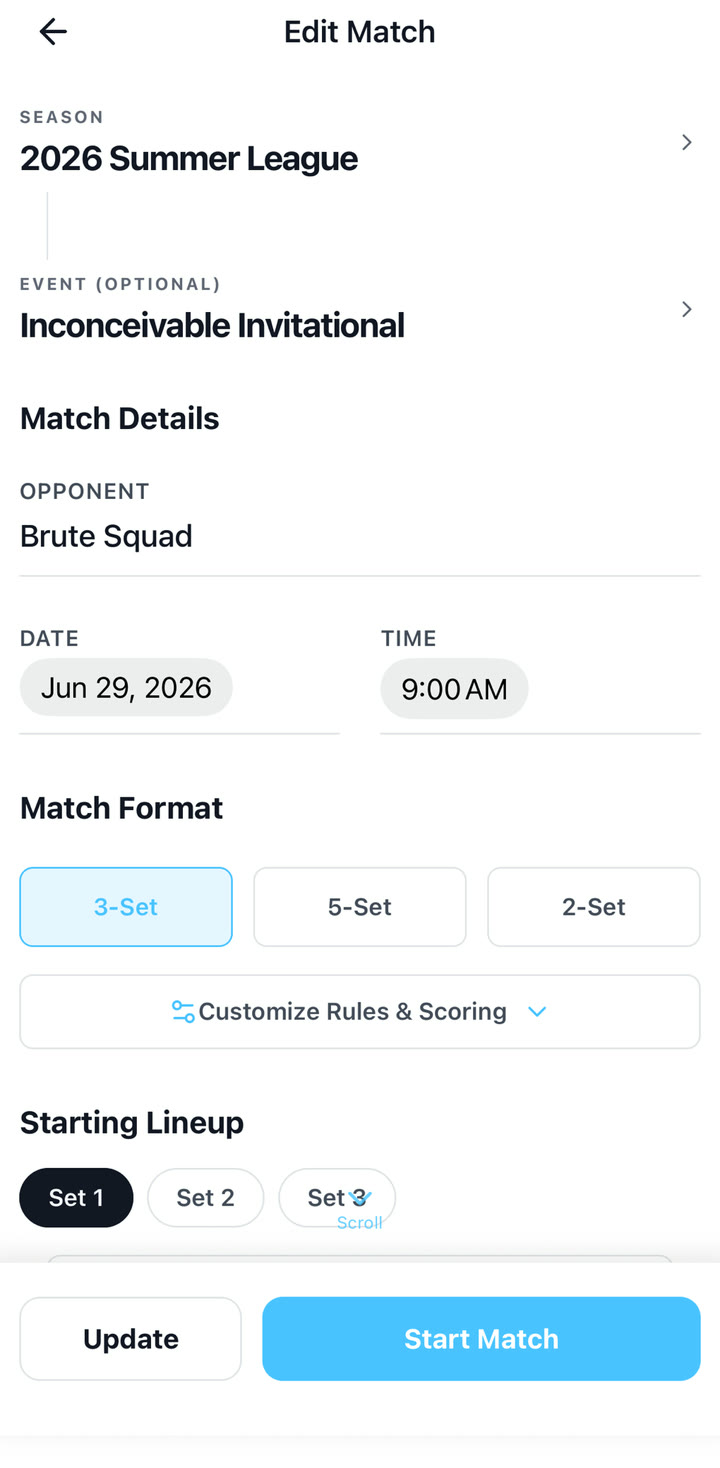 Set the lineup
Match format, opponent, event, and starting rotation.
Set the lineup
Match format, opponent, event, and starting rotation.
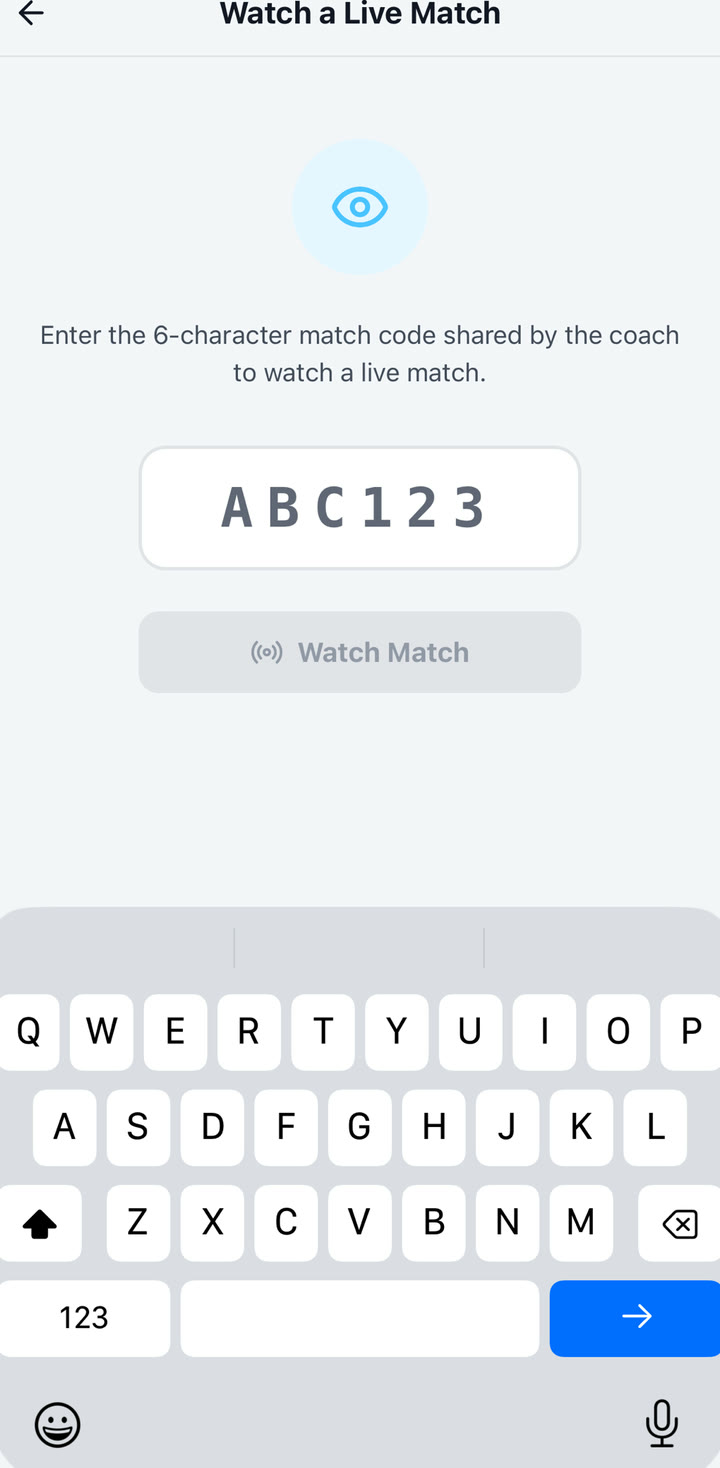 Invite the fans
Share a code so spectators can follow live.
Invite the fans
Share a code so spectators can follow live.
Most guides refer to Dread Pirates VC, a sample roster built to show common volleyball workflows including a 6-2 system, two setters, outside hitters, middles, defensive specialists, and liberos.