VolleyTrack Coach Testing Packet

Test VolleyTrack in a real match

We're in the final stretch before launch. Run it courtside, push on it, and tell us what to fix. Your feedback shapes what ships.

01

Install before warmups

If you are in the TestFlight group, install VolleyTrack from the TestFlight app and open it once before arriving courtside.

  • Allow microphone access if you want to test voice input.
  • Use Premium-enabled testing when available so voice, summaries, and Fan mode limits do not block the test.
  • Keep your phone charged; live scoring is a full-match workflow.
02

Use a simple first setup

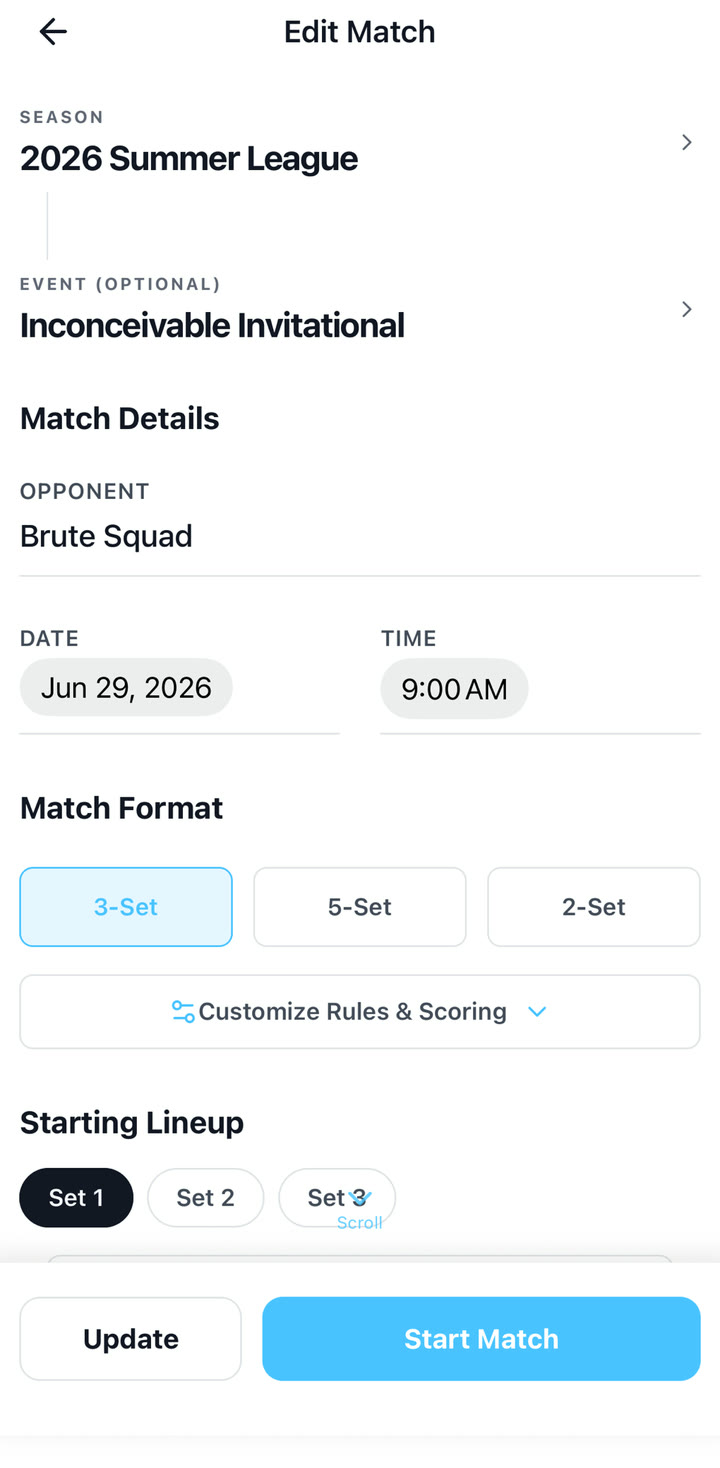
Start with Quick Match unless you want season and tournament organization from the beginning.

  • Enter team and opponent names.
  • Add jersey numbers when possible.
  • Set the starting lineup and confirm the first server.
03

Test under match pressure

The most valuable feedback is what happens when the match is moving quickly.

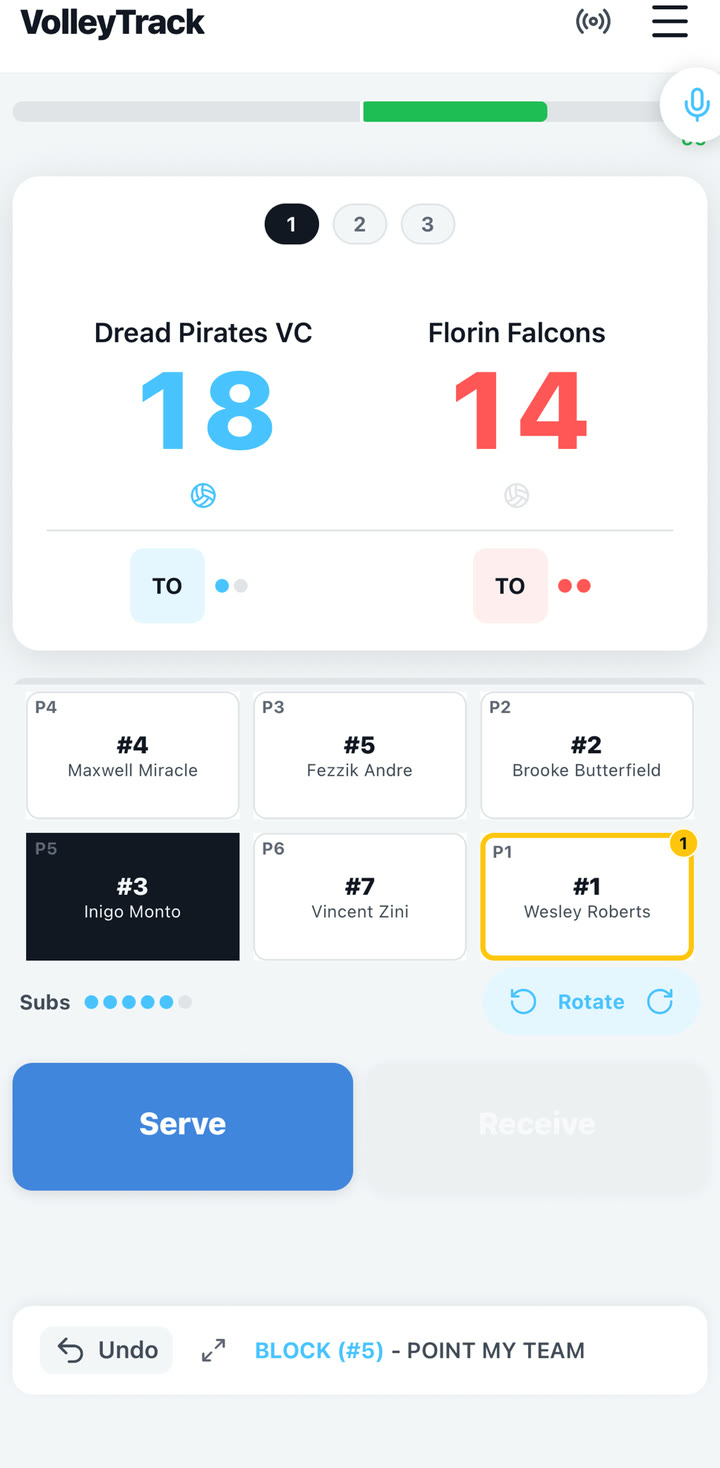
  • Use score-only taps for fast rallies.
  • Use player selection plus action/rating for tracked-stat rallies.
  • Use undo immediately for a wrong tap.
  • Use score correction for older mistakes.
  • Try at least one substitution or libero correction if it happens naturally.

Recommended Run

15-minute testing script

Use this even if you only have part of a match. It keeps the test focused on the workflows that matter most for launch readiness.

  1. Start a Quick Match or event match and set a basic six-player lineup.
  2. Score at least 10 rallies, including one opponent point and one side-out.
  3. Use score-only taps for a few rallies so the basic scoreboard flow gets tested.
  4. Use at least two stat-tracked rallies by selecting the player cards first, then the action and rating. Try one receive rating and one setter-to-attacker sequence if possible.
  5. Try one voice input phrase, then review before confirming. Premium
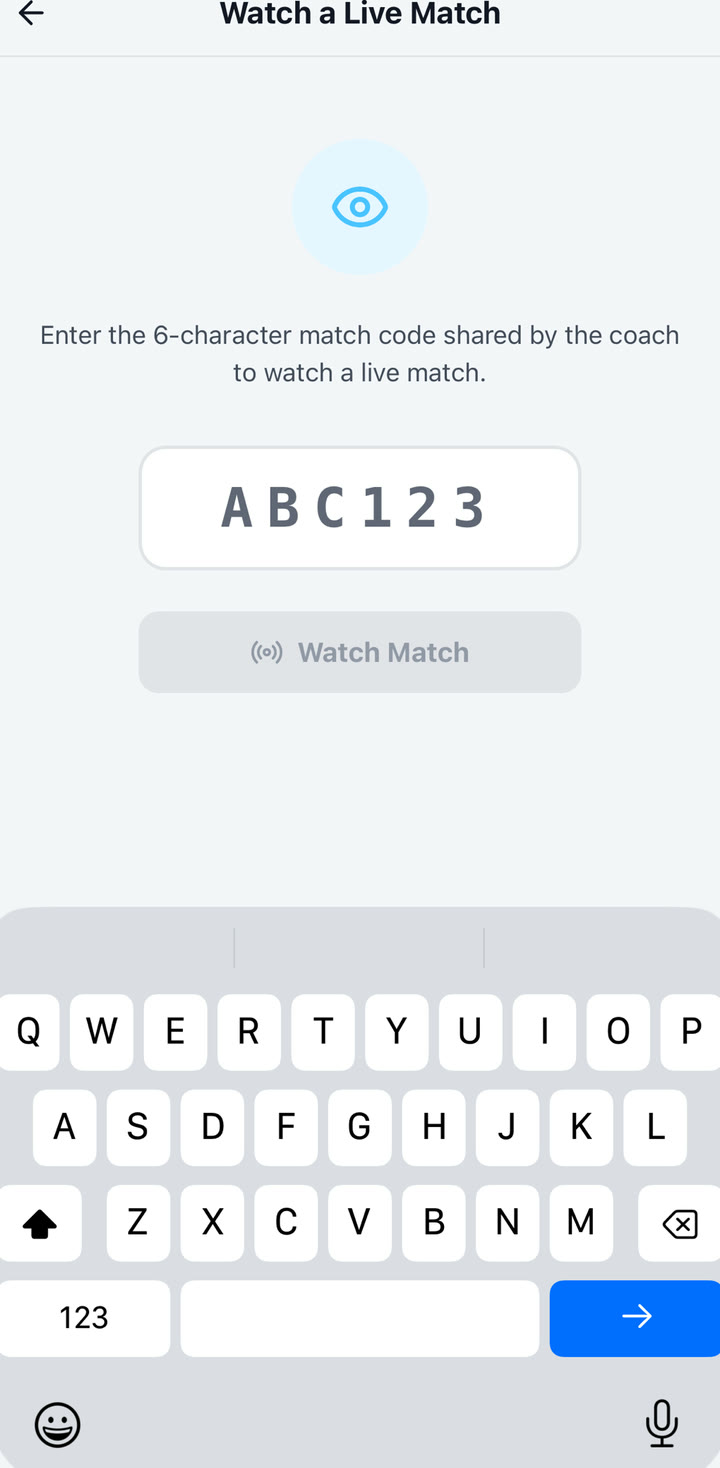
  6. Open Fan mode, share or enter the code on another device, and confirm the live score appears.
  7. Finish or pause the match and check the summary screen.
  8. Record the app build, device model, and any match context that explains your feedback.

Feedback

What to send after testing

Short, specific feedback is more useful than a long review. A few clear notes from a real match can decide what gets fixed next.

Beta Notes

Known testing context

Voice input is important but still being tuned.

Use short phrases and jersey numbers when possible. Manual entry remains the fallback during loud or fast moments.

Fan mode may show ads for free spectator viewing.

Ads should be non-interruptive and should not cover live score, alerts, or recap generation.

The scorer is the source of truth.

Spectator alerts and suggestions should never directly change the official score.