Hands-Free Stats Premium
Voice Input
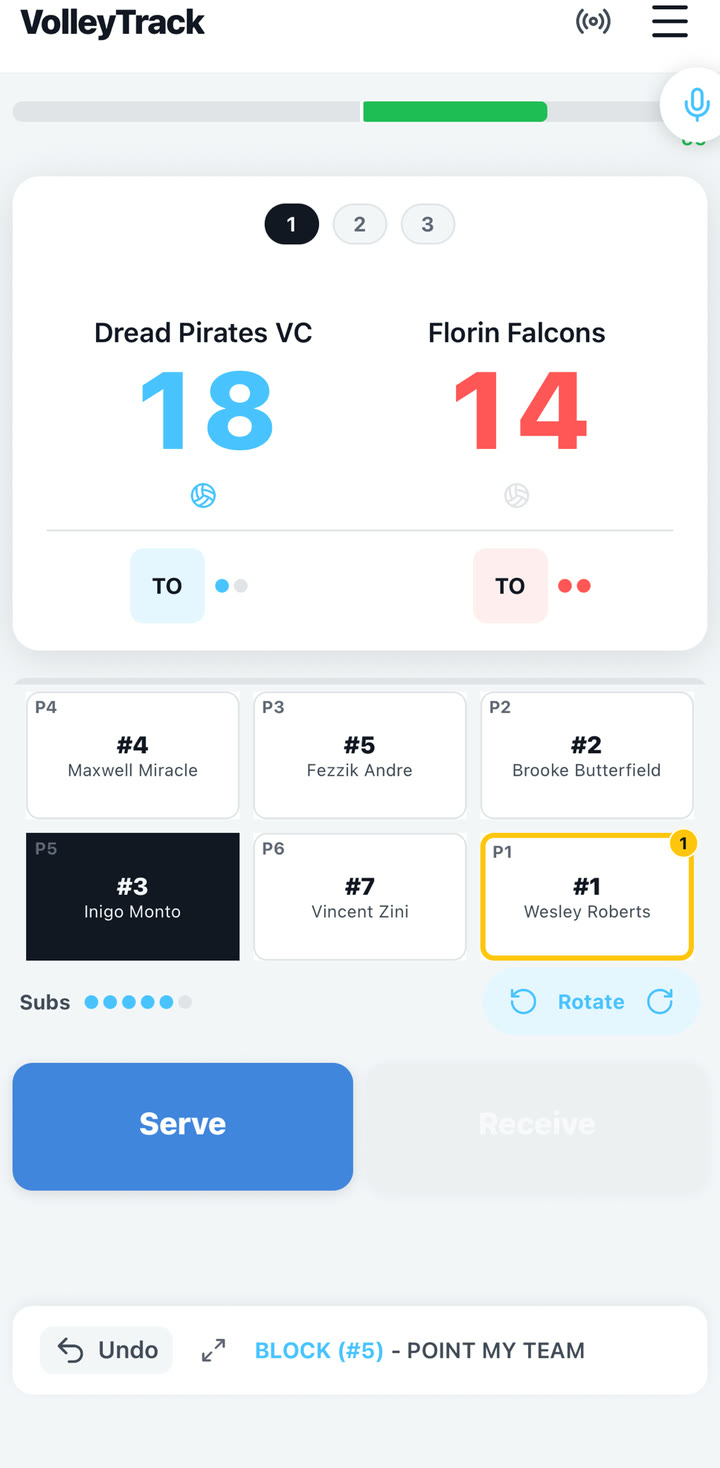
Voice input lets you speak a rally description and review the parsed actions before they are added to the match log. It is available from roster-based live scoring, not Just Score mode.
Quick answer: Tap the microphone, speak one clear rally, tap Done, review every parsed action, remove anything wrong, then confirm.
Say short, structured phrases
Voice works best when you use player names or jersey numbers plus standard volleyball language.
- "Kelsey receive good, Ella sets Harper for a kill."
- "Number 7 kill from number 1."
- "Point us" or "Point them" for score-only situations.
- "Timeout us" or "Timeout opponent" for timeouts.
Always review before confirming
- Check the stat type.
- Check the player and assist player.
- Remove incorrect actions before confirming.
- Use manual stat entry if the gym is too loud or the phrase is too complex.
Keep manual entry ready. Voice uses on-device speech recognition for the transcript and a secure server parser for rally actions, so poor connection, timeouts, or a noisy gym can still require manual entry.
Improve results in a noisy gym
- Hold the phone closer than normal conversation distance.
- Use jersey numbers when names are similar.
- Speak one rally at a time instead of narrating multiple points.
- Pause briefly before stopping so speech recognition has time to finalize the transcript.
Premium note: Free users can try voice input in a limited number of matches. Premium unlocks higher limits and removes ads.