First Match
Quick Start
Use this guide when you are courtside and need the shortest reliable path to a usable match record.
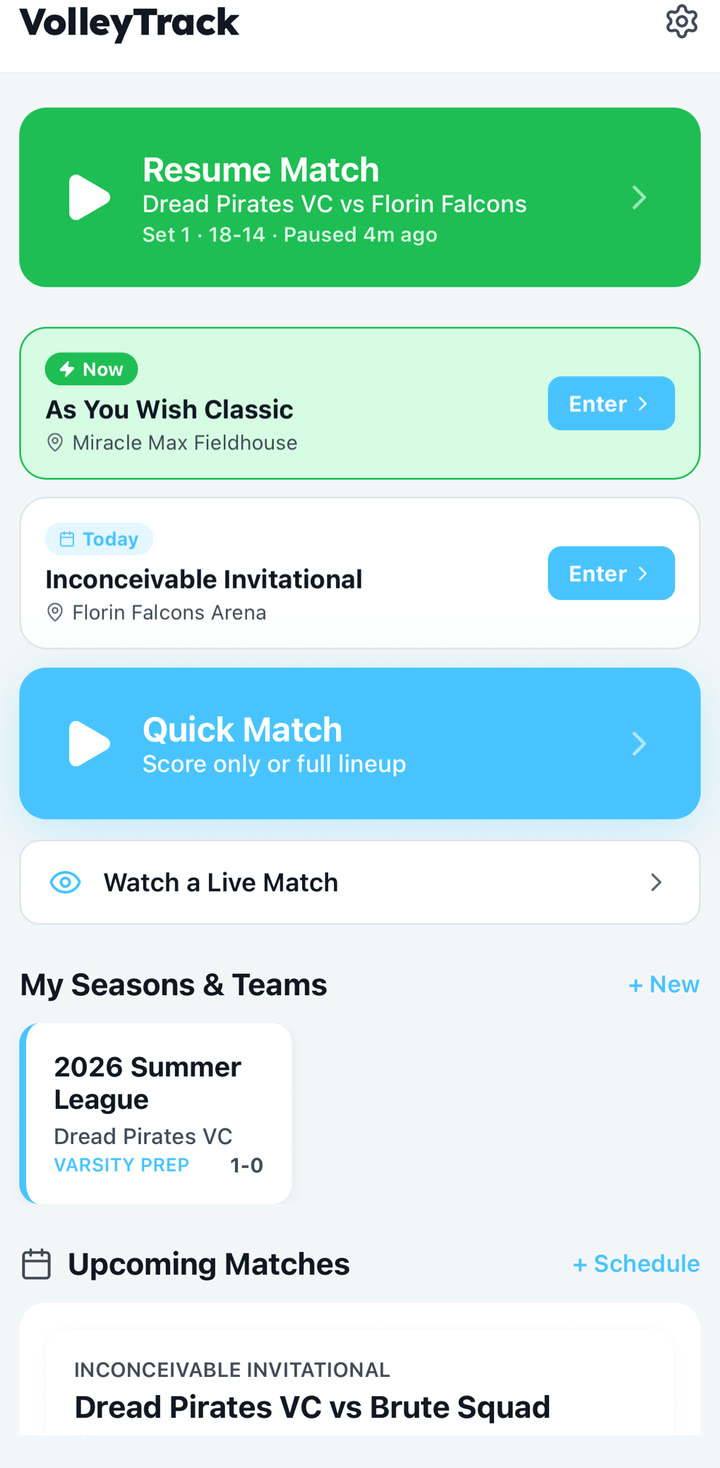
1. Choose your setup path
For a one-off match, use Quick Match. Choose Just Score if you only need score, serve, and timeouts, or set up a lineup if you want player stats. For a season, tournament, or repeated roster, create a season and event first so matches stay organized.
- Open VolleyTrack and choose Quick Match or an existing event.
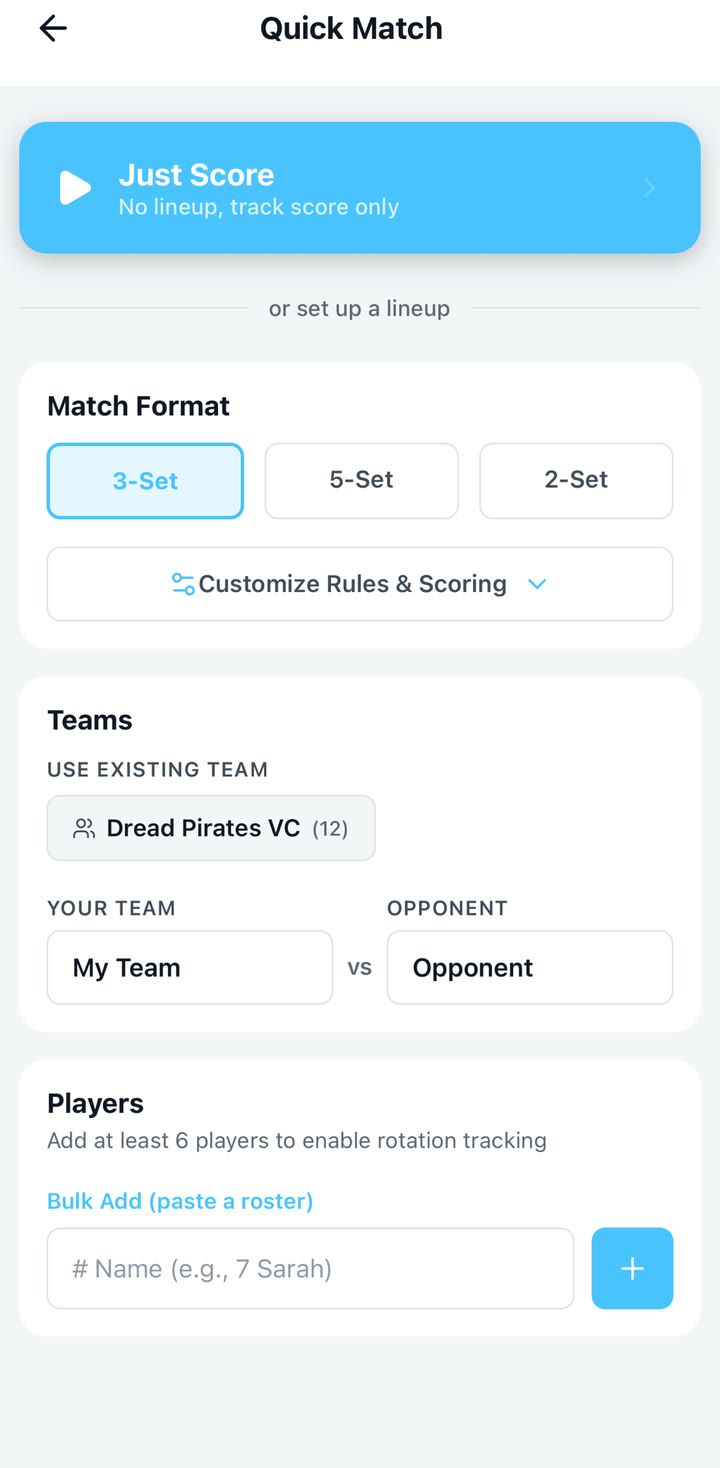
- Enter your team name, opponent, and match format.
- Add or review the roster before starting the lineup.
2. Confirm the lineup
VolleyTrack uses rotation positions P1 through P6. P1 is the server when your team serves first. A practical match-day pattern is to enter the actual six-player lineup the referee checks first, then bring the libero into the back-row spot where they will play after the lineup is accepted.
- Place the six starting players in rotation order.
- After the lineup is checked, use the substitute/libero flow if a libero enters for a back-row player.
- Confirm the first server when prompted.
3. Score the match
The live screen supports two different speeds of scoring. Use the scoreboard taps when you only need the score. When you want stats, start with the player cards, then choose the action and rating.
- For score-only tracking, tap the side that won the rally.
- For stat tracking, select the player or players first, then tap the action. For a set-to-attack sequence, select the setter first and the attacker second.
- Choose the result or rating. Aces, kills, and blocks add a point for your team; serve errors, attack errors, Error Point receives, drops, passing errors, and setting errors add the point to the opponent.
- Long-press an occupied live court card or slot for substitutions and libero corrections. Tap the TO under the team calling timeout.
- Use voice input for rally actions when you have time to review the confirmation screen.
4. Save and review
When the match ends, finish the match from the set modal or match menu. Review the summary for set scores, player stats, and optional AI analysis.