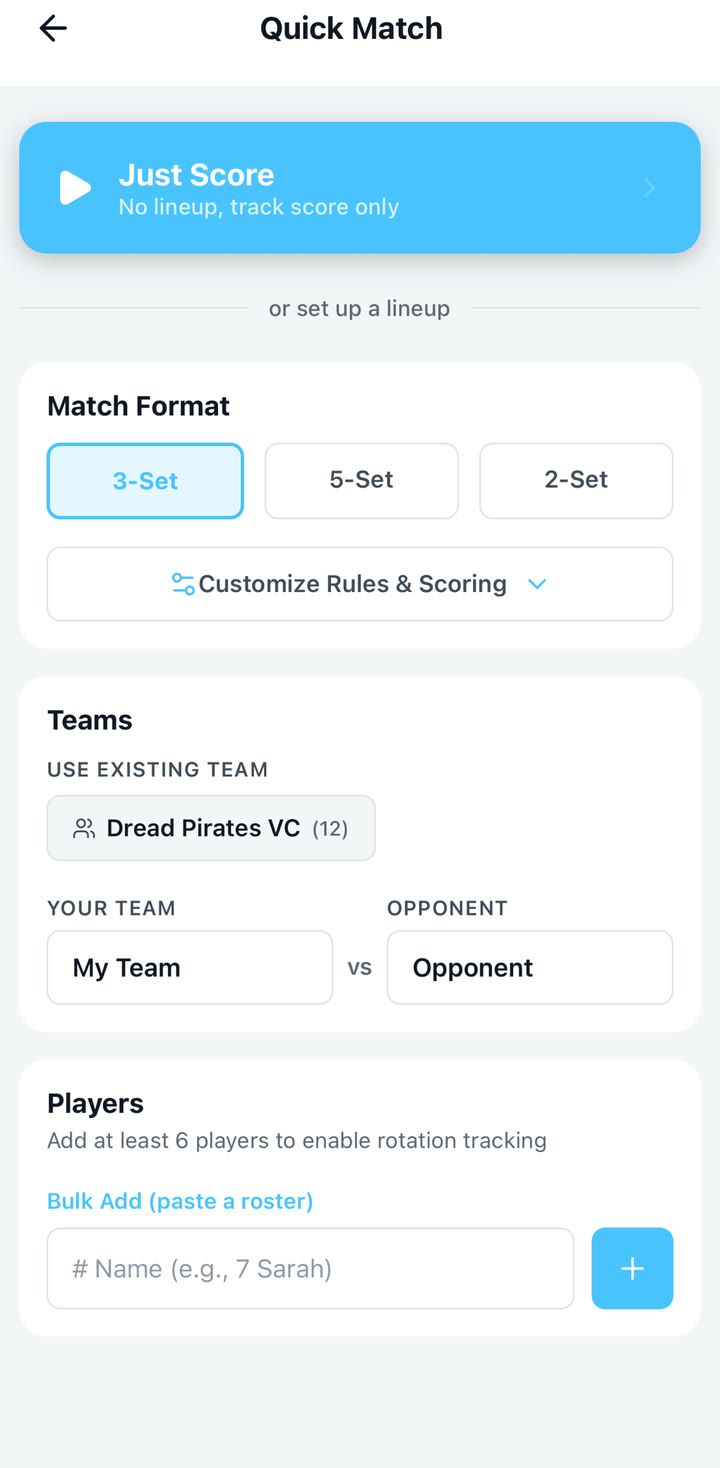
Start a match
Set your teams and lineup, then start tracking.
VolleyTrack Screen Guide
Static screen examples for the workflows coaches and spectators are most likely to use first. Premium-only features are marked where shown.
Set your teams and lineup, then start tracking.
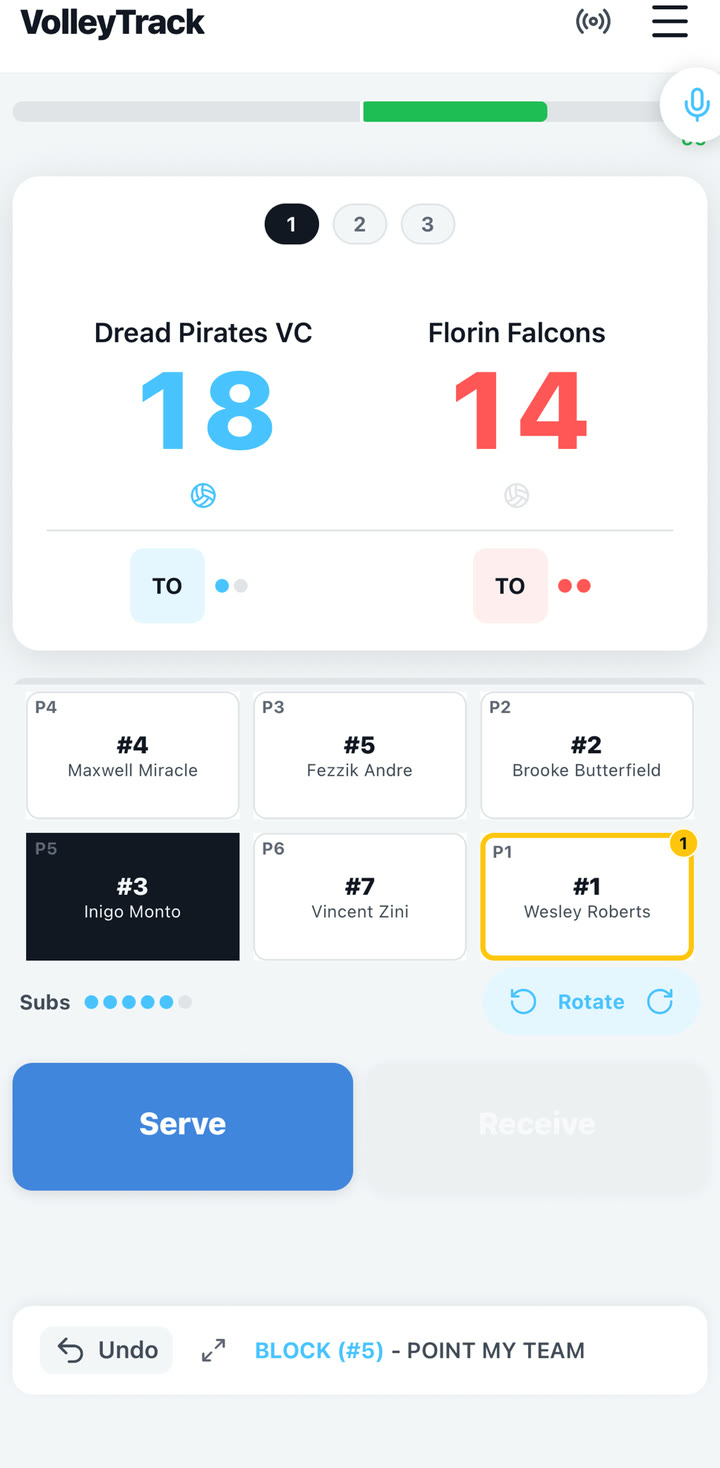
Tap the score for score-only rallies, or select players first when tracking stats. Undo sets the last action back.
Speak one rally, review the parsed actions, then confirm.
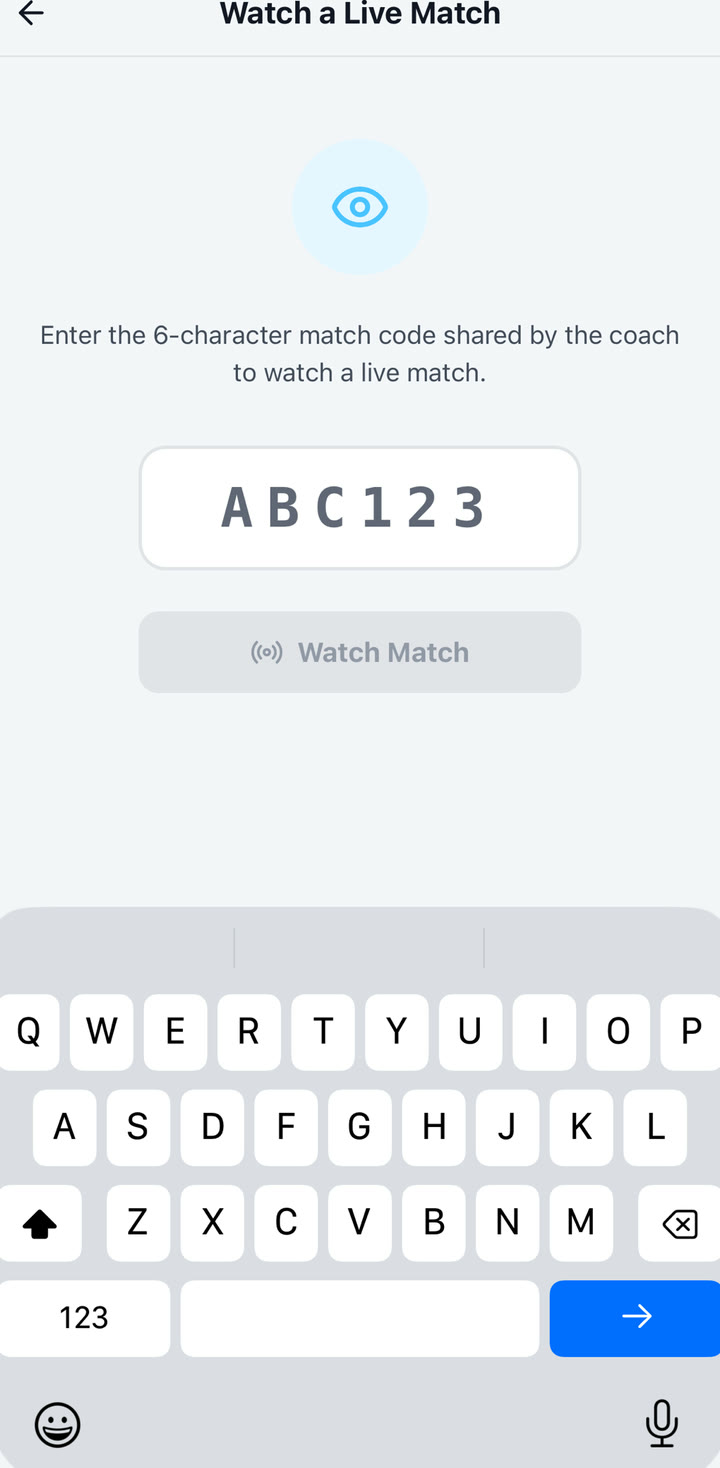
Share a code or link so fans can follow from the stands.
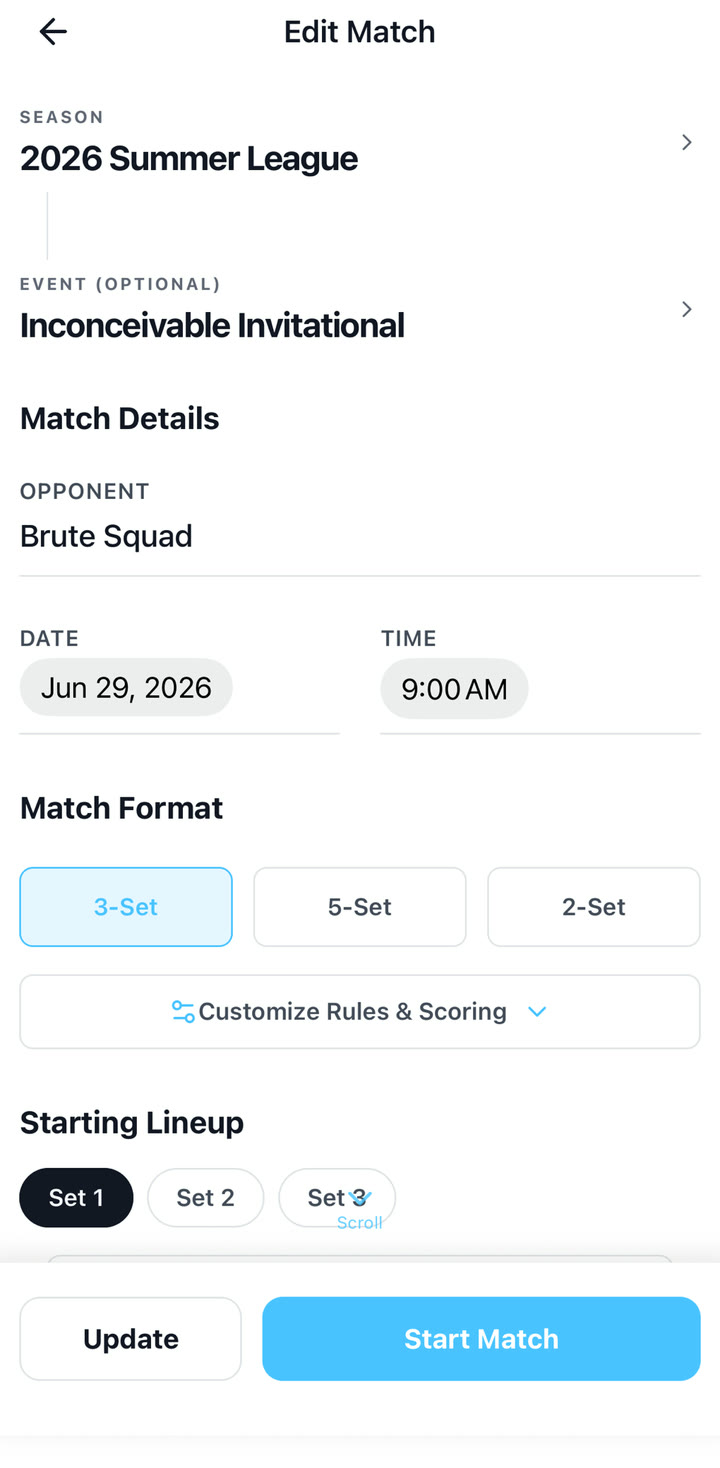
Long-press a live court slot to sub, override ineligible players when reality requires it, or correct a back-row libero.
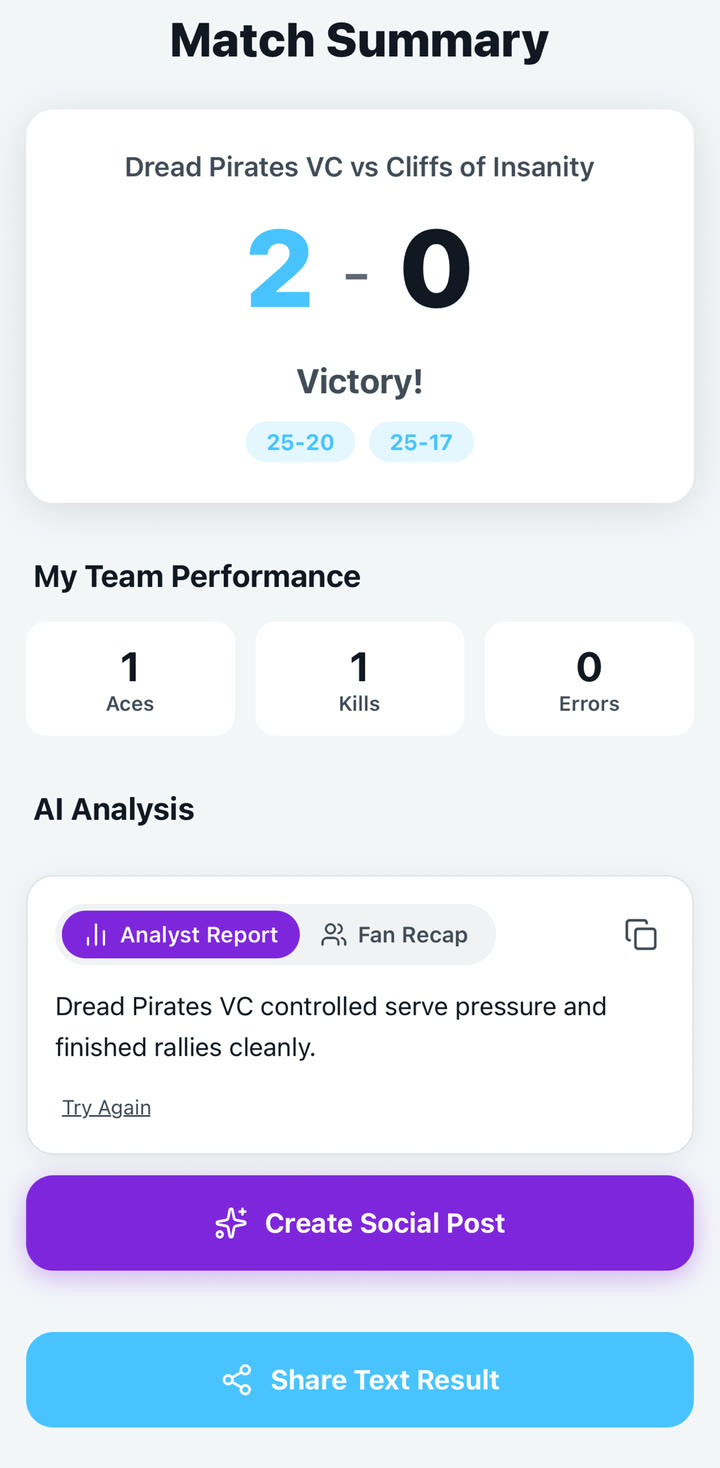
End the match and review a clean recap of how it went.
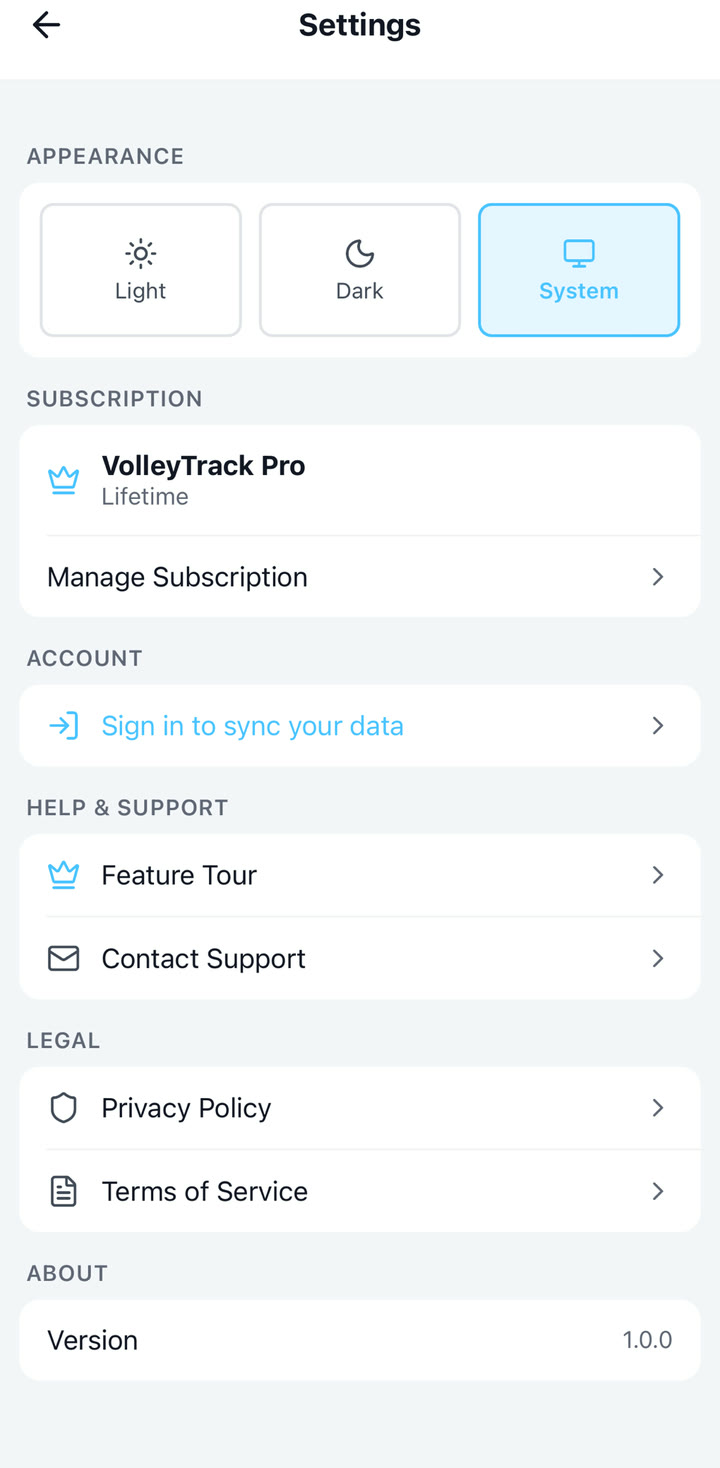
Set the app up the way you coach. Premium adds more when you want it.
These are documentation crops from real VolleyTrack screenshots. We will replace or supplement them with true simulator walkthrough videos when those recordings are ready.