Before Play
Match and Lineup Setup
A clean lineup setup prevents most scoring and substitution problems later. Take one extra minute before the first serve.
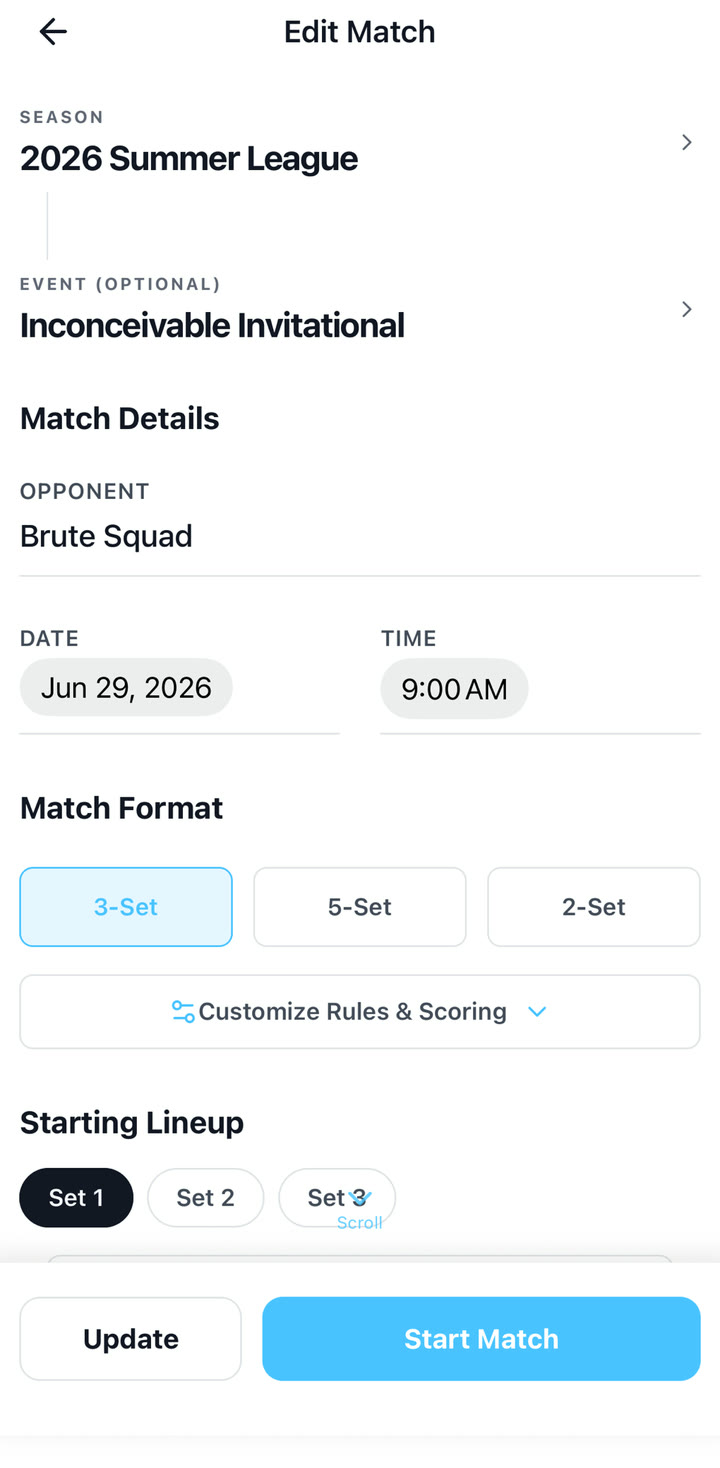
Choose match details
For season matches, choose the season, optional event, opponent, date, and time. You can schedule the match for later or start it when you are ready to score.
Choose the match format
Use the preset that matches the event rules. If the event has a cap or nonstandard third set, use Custom so set endings are handled correctly.
- Best-of-3 or best-of-5 for regular match play.
- 2-set seeding for pool-play formats where both sets are played.
- Custom for caps, different target scores, or special tournament rules.
- Advanced rules let you set timeouts, substitutions, target score, win-by, and score cap.
Enter the starting rotation
Formal lineup setup is tied to a saved season roster. Quick Match lineup mode starts with empty live court slots so you can assign players as you go.
- Put the starting server in P1 if your team serves first.
- Continue around the rotation in order through P6.
- If the opponent serves first, still enter your on-court rotation accurately; confirm the server prompt when asked.
Handle liberos after lineup check
For most matches, enter the actual starting lineup that is checked before the set. Once the lineup is accepted and a libero enters for a back-row player, long-press that back-row live court slot from the live screen and use Mark as Libero or the libero replacement flow.
- Only one libero should be on court at a time.
- Liberos are shown with an alternate color so they stand out from regular players.
- Libero entries and corrections do not count against the substitution counter.
- Valid libero correction spots are the back-row positions P1, P5, and P6.
- If a player was accidentally entered as a normal starter, mark them as libero from a valid back-row context instead of using a counted substitution.
Confirm first server
VolleyTrack may suggest the next server, but the coach should confirm the first server for each set. This prevents the app from assuming a service order after lineup changes.